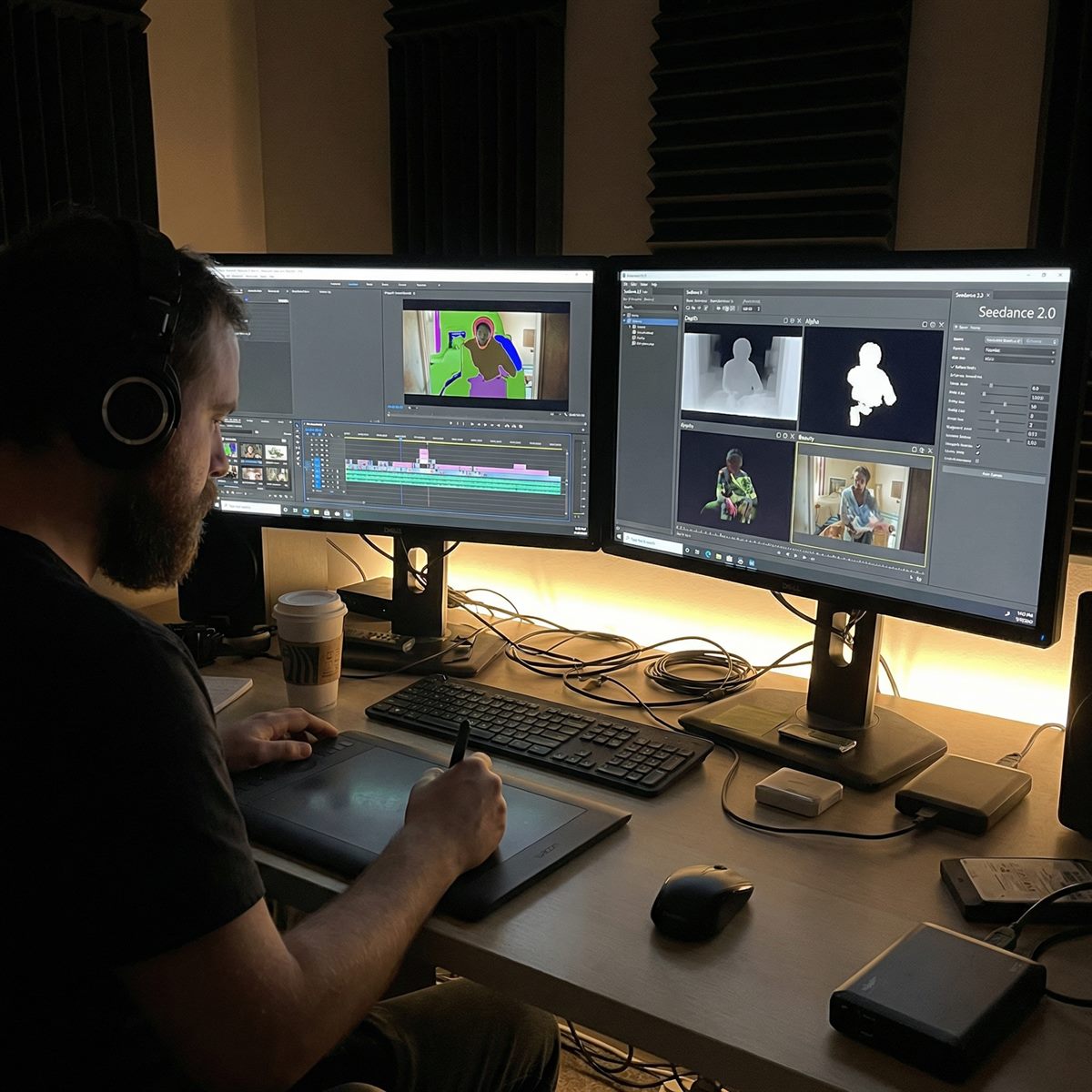
Seedance 2.0 Video Drafting: From Concept to Social Clip
AI video tools are most useful when they remove repetitive production work without replacing creative judgment. Seedance 2.0 can help small teams test motion ideas, create social variants, and fill rough concept gaps while editors keep control over pacing, message, and final selection.
Where it fits in production
Use Seedance 2.0 before the expensive part of the workflow: early storyboards, product motion tests, ad hooks, background plates, and social-first variants. For the exact wording behind these shots, start with the prompt playbook.
Use cases with practical value
Social ad hooks
Generate short opening shots for different audiences: product close-up, founder demo, lifestyle moment, or before-and-after scene. Test attention first, then invest in the version that viewers actually watch.
VFX previsualization
Use AI clips to communicate camera path, mood, and timing before a full compositing pass. This is especially useful for client approvals where a static storyboard is not enough.
Product and ecommerce motion
Turn a clean product image into motion: slow orbit, macro reflection, packaging reveal, or hand interaction. Use the image-to-video workflow when identity matters.
Localization variants
Keep the same product shot and change setting, season, or audience cue. This is a strong fit for batch generation through the API workflow.
Workflow for a small team
- Define the business goal: more clicks, clearer product demo, faster client approval, or cheaper concept testing.
- Create three short prompts around the same offer. Change only the hook angle, not every visual variable.
- Render short drafts and choose one direction. Do not polish all drafts equally.
- Move the winning style into editing, captions, sound, and landing page tests.
What still needs human editing
Seedance 2.0 can create useful raw motion, but final performance still depends on structure. Add captions, trim weak seconds, match the clip to the offer, and keep the landing page consistent with the video. A strong AI clip that sends users to a confusing page will not convert. For buyer comparison content, link viewers to focused pages like Seedance 2.0 vs Sora vs Kling instead of making them search.
Make one useful draft
Pick a real use case, generate a short clip, and judge it by whether it moves the project forward.
Start creatingContinue the workflow
Apply the same prompt, reference and budget checks when moving between model versions.
- Seedance 2.0 API workflow
- Seedance 2.5 timed prompts
- Seedance 2.5 reference planning
- Seedance 2.5 duration and cost
Return to the complete guide library or compare API credit costs.