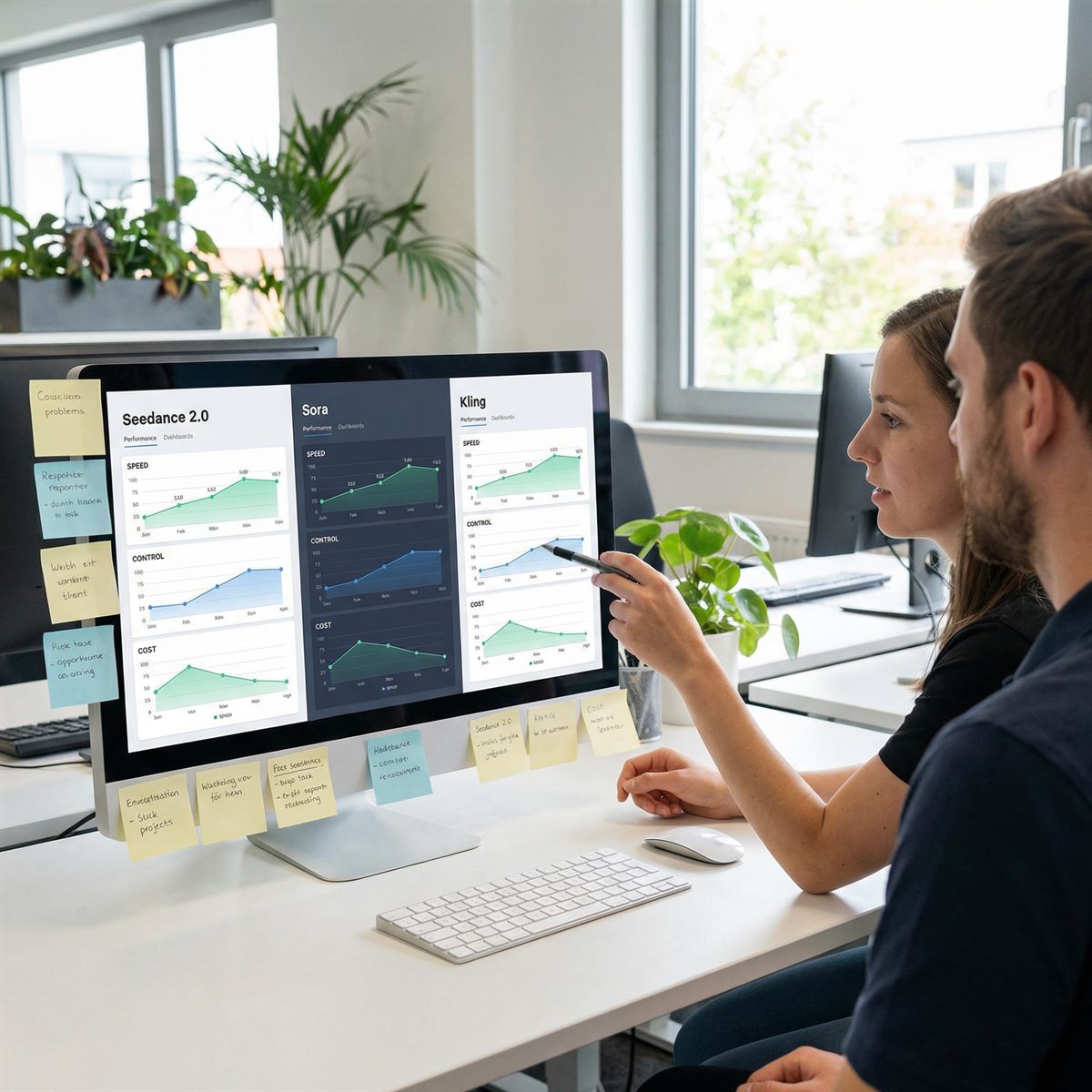
Seedance 2.0 vs Sora vs Kling: A Creator Evaluation Checklist
The best model depends on your shot and the interface you can access. Use the same brief to evaluate Seedance 2.0, Sora and Kling, then record retakes, identity consistency and total cost. This is an evaluation checklist, not a benchmark or a claim that one model always wins.
Short answer
Start with one subject, one action and one reference. Check each provider’s current supported inputs, pricing and availability before testing. For more tool pages, use the comparison hub.
What to check in each interface
| Feature | Seedance 2.0 | Sora | Kling |
|---|---|---|---|
| Best fit | Prompt and reference-led production clips | Verify current provider options; test against your brief | Verify current provider options; test against your brief |
| Inputs | Text with image/video references on this platform | Verify current provider options; test against your brief | Verify current provider options; test against your brief |
| Iteration style | Short drafts, prompt logs, batch variants | Verify current provider options; test against your brief | Verify current provider options; test against your brief |
| Production use | Ads, product demos, social variants, API queues | Verify current provider options; test against your brief | Verify current provider options; test against your brief |
Why production teams pick Seedance 2.0
- Prompt clarity: it responds well to shot-style instructions such as camera movement, scene, and action.
- Reference control: the omni reference workflow helps preserve identity and pacing.
- Batch thinking: repeatable prompts can be moved into a structured API workflow.
- Creator economics: short tests before long renders help keep credit usage tied to usable output.
How to choose
For product shots, test shape and label consistency. For people, check faces, hands and body movement. For story clips, check transitions and the final frame. Record the total cost of obtaining an acceptable output rather than judging one polished demo.
For a fair test, run the same brief across tools: one subject, one action, one scene, one camera path, one duration. Judge the results on usable first drafts, identity consistency, motion accuracy, and how long it takes to get the second acceptable version. That is closer to real production than comparing marketing demos.
Test the same brief
Use one concrete prompt and compare tools by usable outputs, not by the best demo clip.
Start creatingContinue the workflow
Apply the same prompt, reference and budget checks when moving between model versions.
- Seedance 2.0 API workflow
- Seedance 2.5 timed prompts
- Seedance 2.5 reference planning
- Seedance 2.5 duration and cost
Return to the complete guide library or compare API credit costs.