Seedance 2.5 Guide · August 2026
Seedance 2.5 Multimodal References: A Practical Stack
More reference slots do not automatically create more control. The real advantage comes from giving every image, video, and audio file one clear job—and telling the prompt which job that is.
Quick answer
Build a reference hierarchy: identity first, environment second, motion third, audio fourth, and optional style references last. Use the fewest files that fully define the shot, and call out each reference by role in the prompt.
Why hierarchy matters more than count
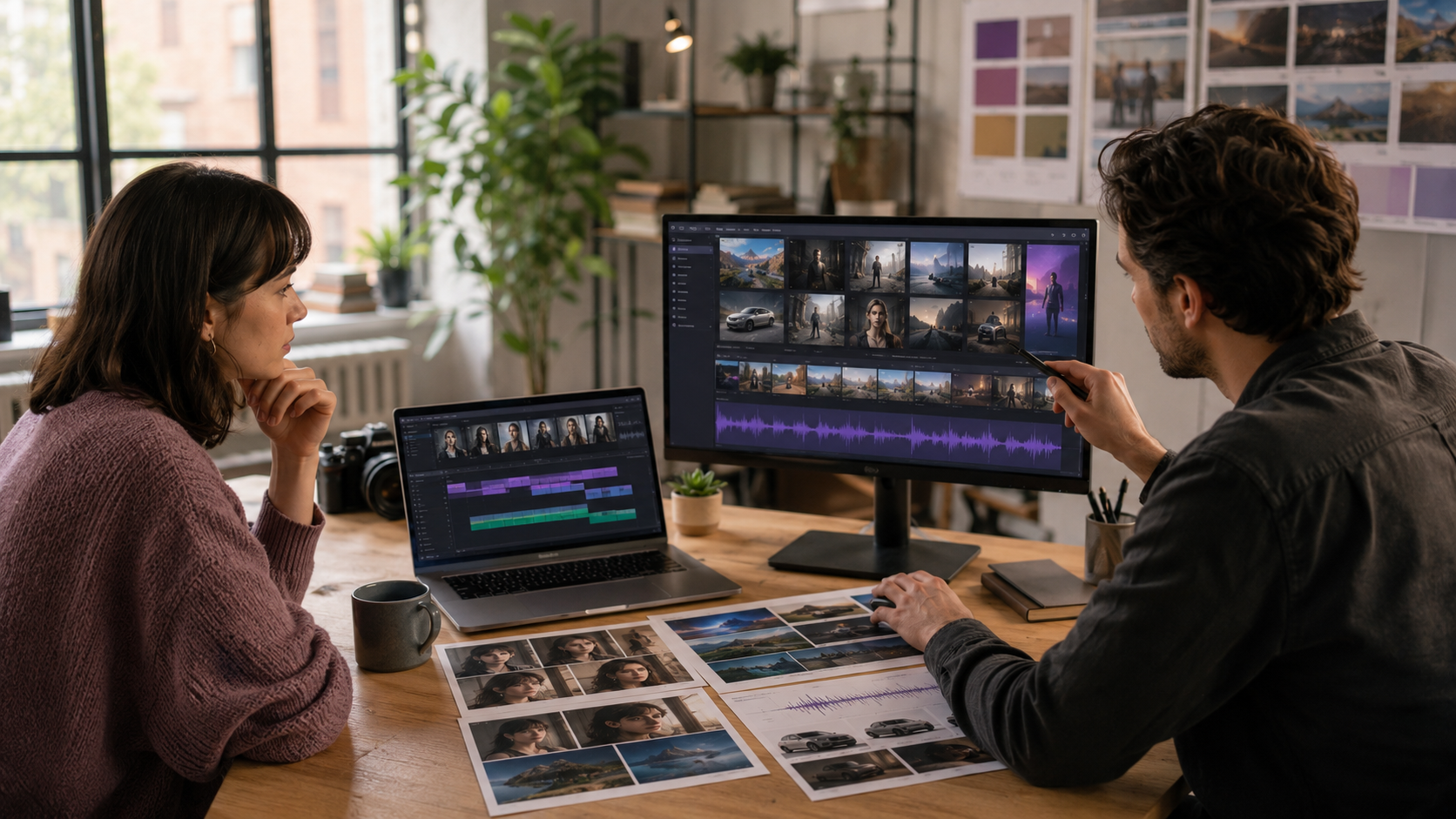
Creators are testing Seedance 2.5 with character sheets, location photos, wardrobe, product angles, motion clips, mood boards, and audio cues in the same generation. The common failure is an unordered asset dump. When two images disagree about clothing or lighting, the model has no reliable reason to choose the one you intended.
Put the strongest identity or product reference first. Add a separate environment reference only if the location must match. Use a video reference for motion or camera rhythm rather than appearance. Use audio when timing, voice character, or ambience is difficult to express in text.
A lean reference stack
- Identity: one clean front or three-quarter image with the required clothing.
- Product: one hero angle plus one detail angle only when shape or label placement matters.
- Location: one wide image that establishes geometry, palette, and light direction.
- Motion: one short clip demonstrating the body action or camera path.
- Audio: one voice, rhythm, or ambience file with a specific timing role.
Role-tagged prompt example
Use the first-frame image as the character identity and wardrobe source.
Use reference image 1 only for the cafe interior, furniture layout, and morning light.
Use reference video 1 only for the slow handheld camera rhythm; do not copy its actor or location.
Use reference audio 1 as the pacing guide and preserve its soft room tone.
Create a continuous scene where the character enters, orders coffee, sits by the window, and opens a notebook. Preserve face, coat, bag, and cafe geometry throughout.
When references conflict
Remove the weakest file before adding another instruction. If identity drifts, isolate identity from style. If a motion reference changes the character, explicitly say it controls motion only. If the environment moves or reshapes, replace collage-like location references with one wide establishing image.
First and last frames are especially useful when the ending composition matters. They define two visual anchors; the prompt should explain the physical transition between them rather than introducing unrelated events.
Reference QA before spending credits
- Crop out irrelevant people, logos, and competing products.
- Keep identity references consistent in age, hair, wardrobe, and lens distortion.
- Trim video and audio references to the useful portion.
- Write one sentence describing the role of every uploaded file.
- Run a shorter test before adding the full reference stack.
Try the workflow
Select Seedance 2.5, start with a controlled draft, and review the credit estimate before generating.
Open generator